Amical User Guide
Download the PDF guide
What is it?
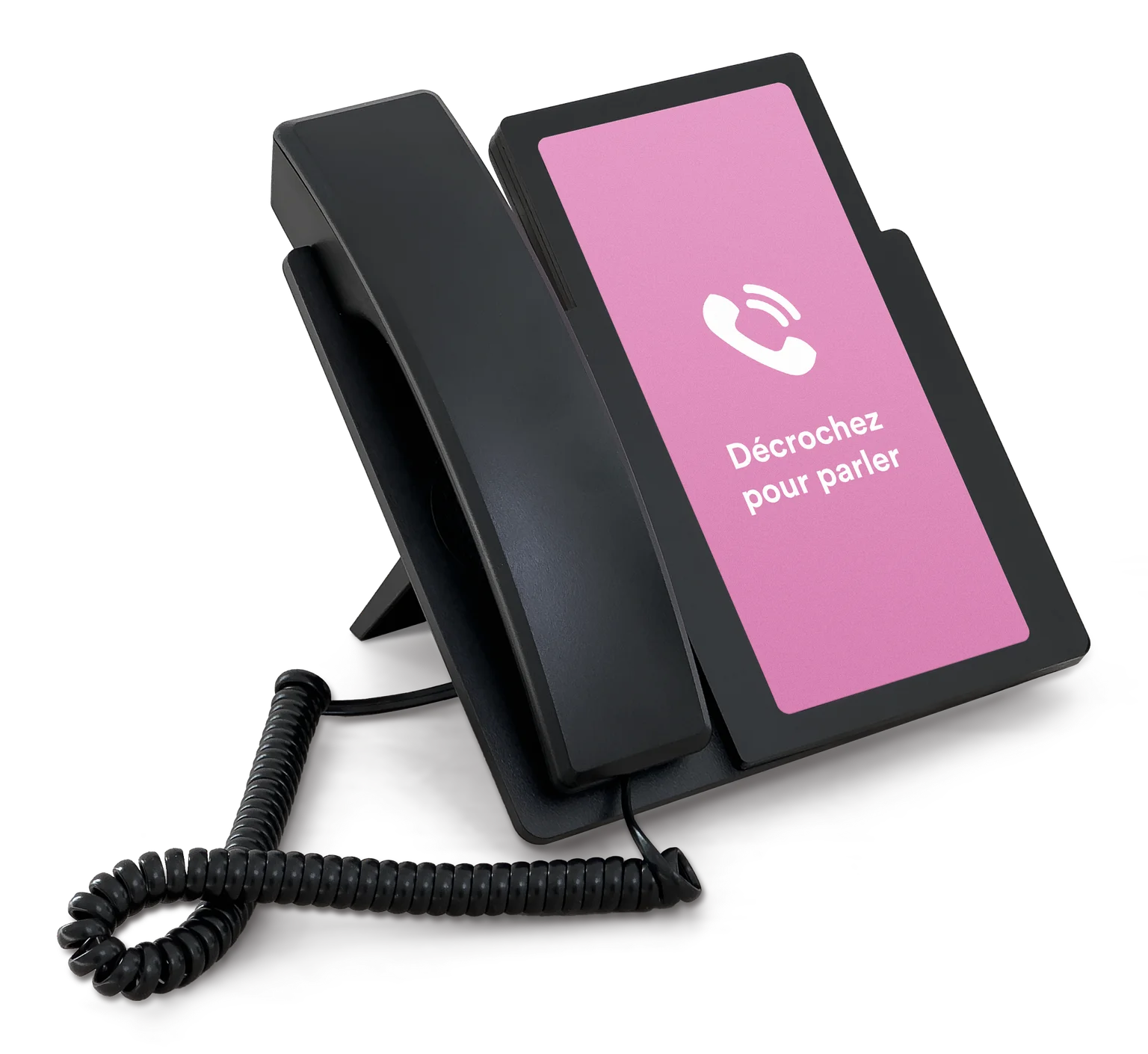
Amical is an AI companion designed for people living with cognitive challenges. You talk to it through a classic phone. There is no screen and no buttons to learn.
Listen to our Radio-Canada segment to learn more about Amical.
How it works
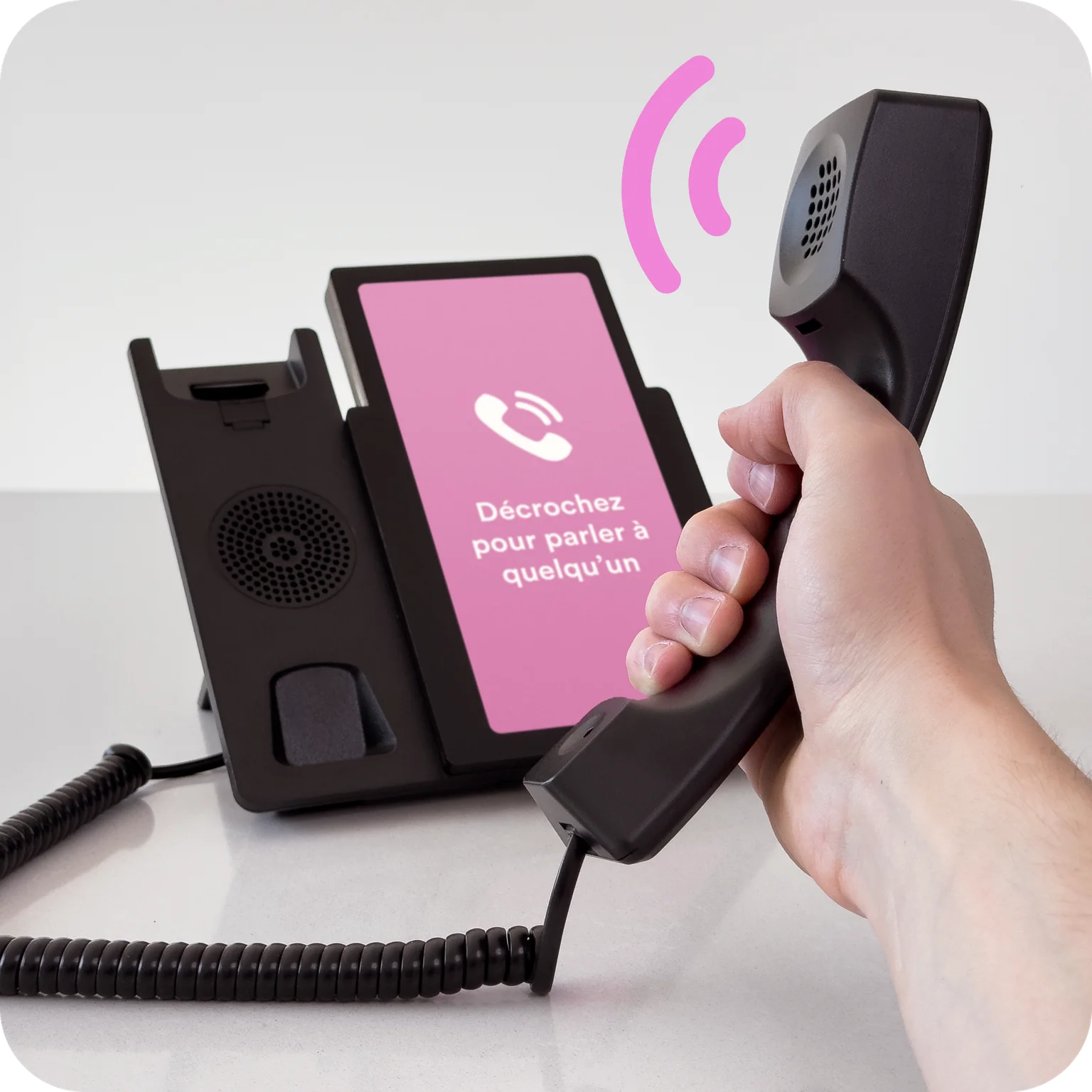
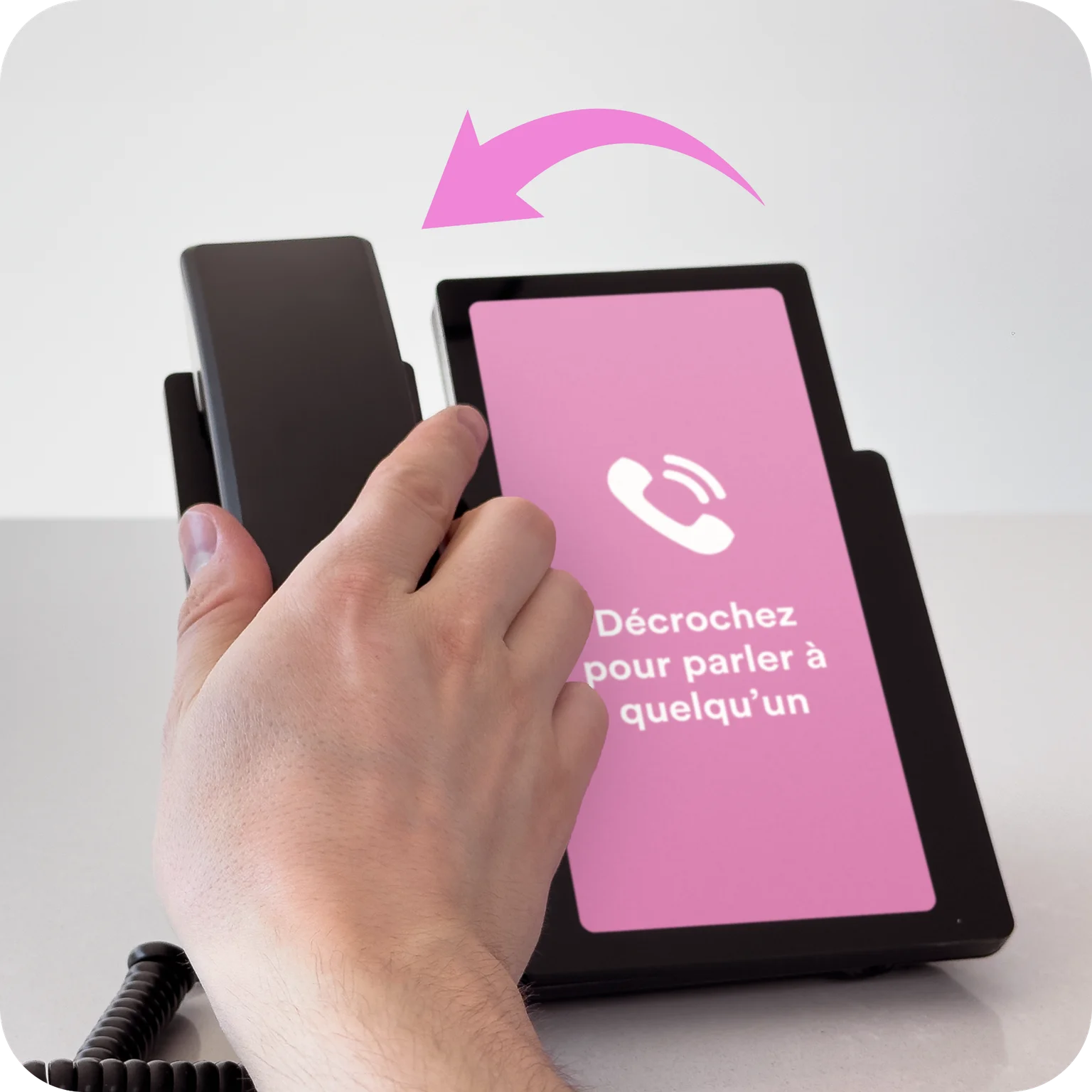
Pick up to talk. Hang up when the conversation is over. That's it. Nothing to dial, no buttons to learn.
Try it yourself!
Pick up the phone and ask Pauline, the AI companion, how she's doing.
Share your day, ask questions, chat about anything and everything. The conversation flows naturally.

What does the companion talk about?
Pauline, the AI companion, chats about anything and everything. She always keeps things positive: hobbies, memories, music, nature, cooking, gentle news…

- "What did you like most about your job as a teacher?"
- "Tell me about the biggest fish you've ever caught."
- "How did you learn to knit?"
- "Wow, that's quite a snowstorm today."
Try these conversation starters:

- "Tell me about Quebec in the old days"
- "Tell me a story"
- "Do you like Céline Dion?"
- "What's your favourite recipe?"
- "Tell me about nature"
Benefits for residents

Reduce loneliness
and anxiety

Keep the
mind engaged

Offer a different
kind of activity
Benefits for staff

Support residents
who want to talk a lot

Defuse a difficult moment
with a distraction

Provide engagement
during busy periods
Where to place the phone
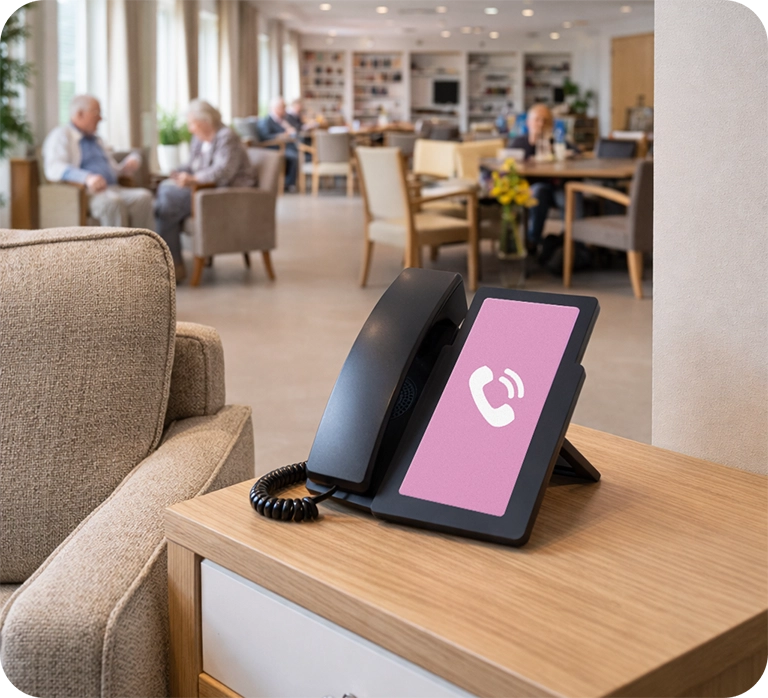
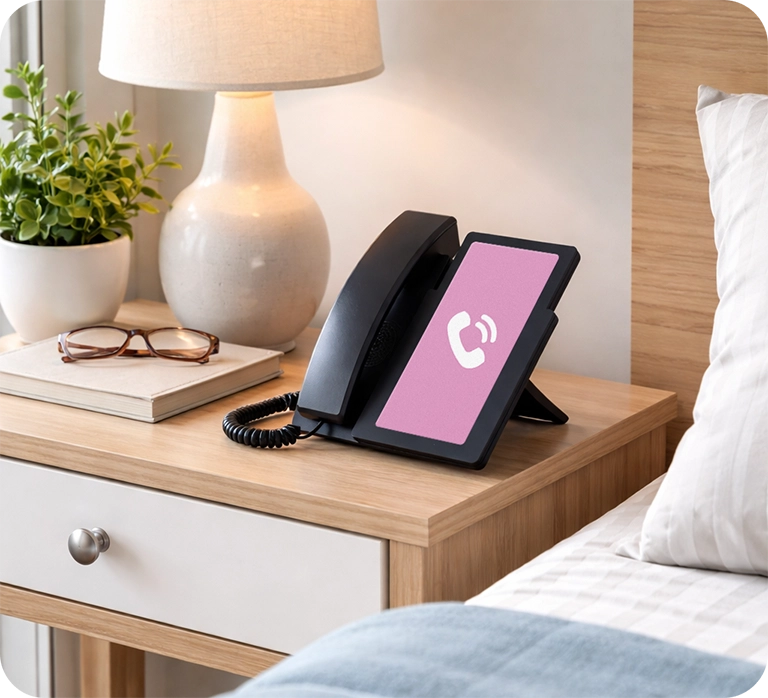
You can place the phone either in common areas, or in bedrooms.
In a common area, the companion is generic and can speak with everyone. In bedrooms, the companion can be personalized for a resident. It will then call them by their first name and know their preferences.
Recommendations for shared phones
✓ Prefer
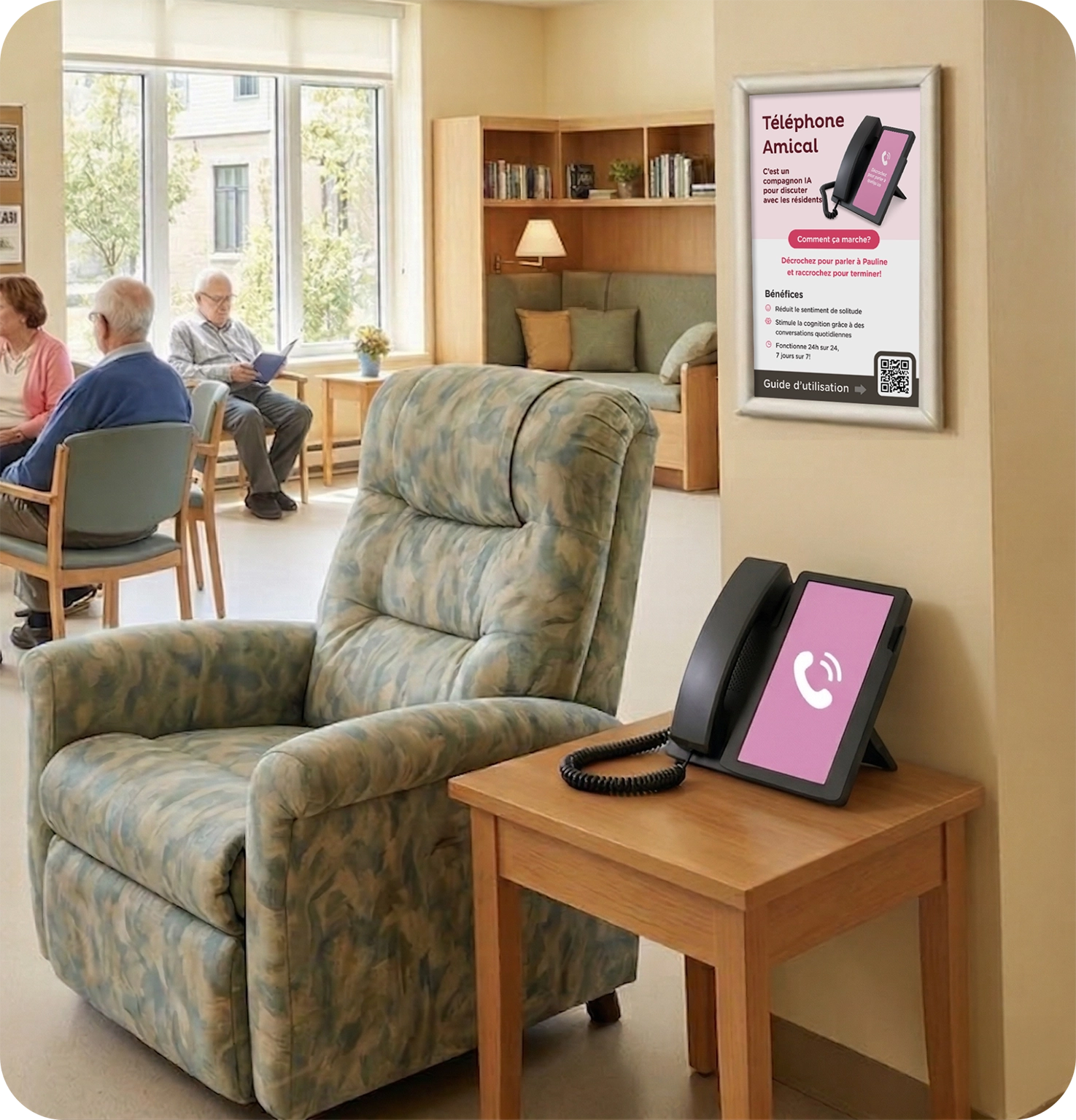
- In a living room where residents gather, on a small table with a comfortable seat nearby.
- Away from the television and noisy sources.
- Somewhere visible and easy to reach.
✗ Avoid
- In a hallway or through-traffic area.
- Next to a loud television.
- In a room far from where people actually spend time.
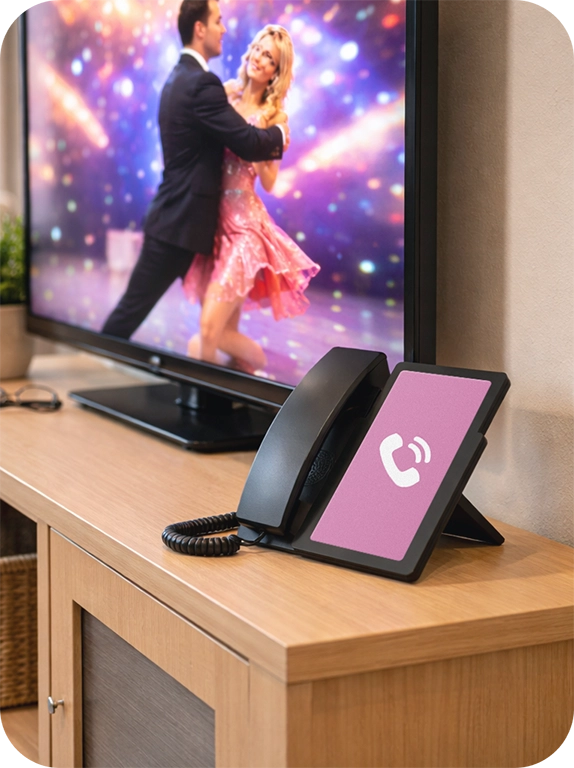
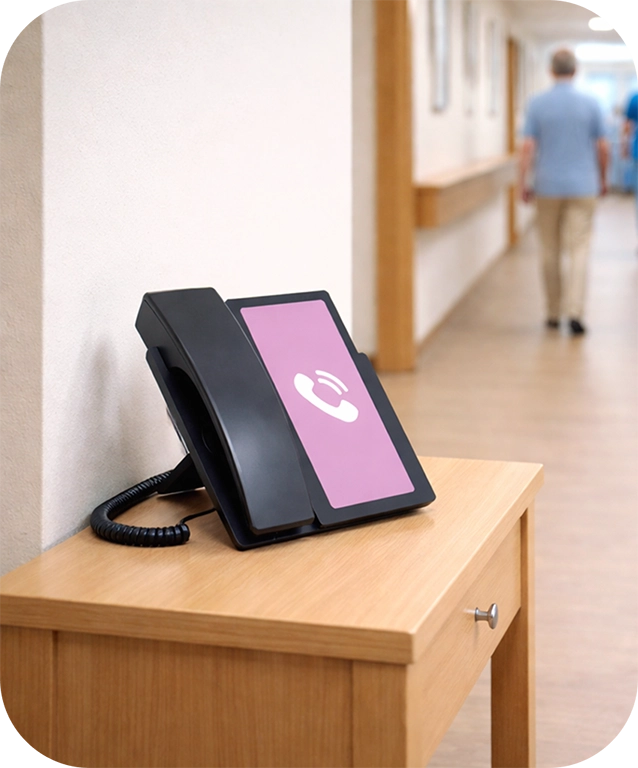
When it's too loud, residents struggle to hear the companion and feel they have to raise their voice. Many avoid the phone so they won't disturb people nearby, or they use it less because the call becomes tiring. A calm spot is one where picking up feels effortless.
Practical tips
You can bring a resident to the phone
Rather than waiting for a resident to pick up on their own, feel free to walk with them to the phone. Keep the invitation simple, positive, and concrete.
Example phrases:
- "Would you like to come talk on the phone for a bit?"
- "Someone would like to chat with you."
- "Let's make a quick call together."
If they hesitate: "We can try for a few seconds, and hang up whenever you want."

Giving instructions to the AI
In some situations, staff can set up the conversation before handing the phone to the resident. In practice, pick up for a few seconds to explain the context, then pass the handset.
Examples:
- "Hello Pauline, Roger is worried about his car. Can you reassure him that it's parked safely?"
- "Pauline, Mrs. Tremblay is anxious today. Can you speak with her calmly?"
This approach can reduce anxiety, guide the conversation, and support the resident without further intervention.
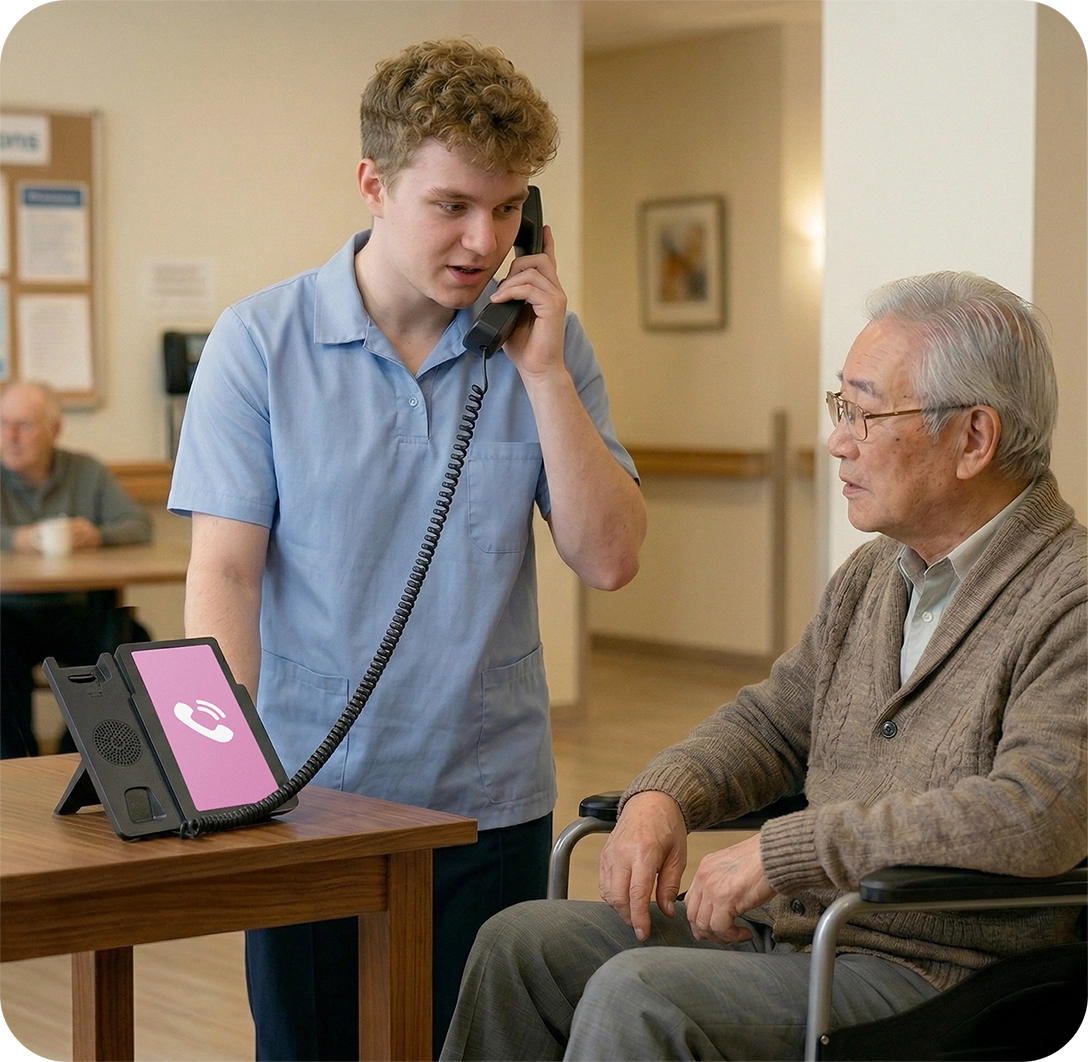
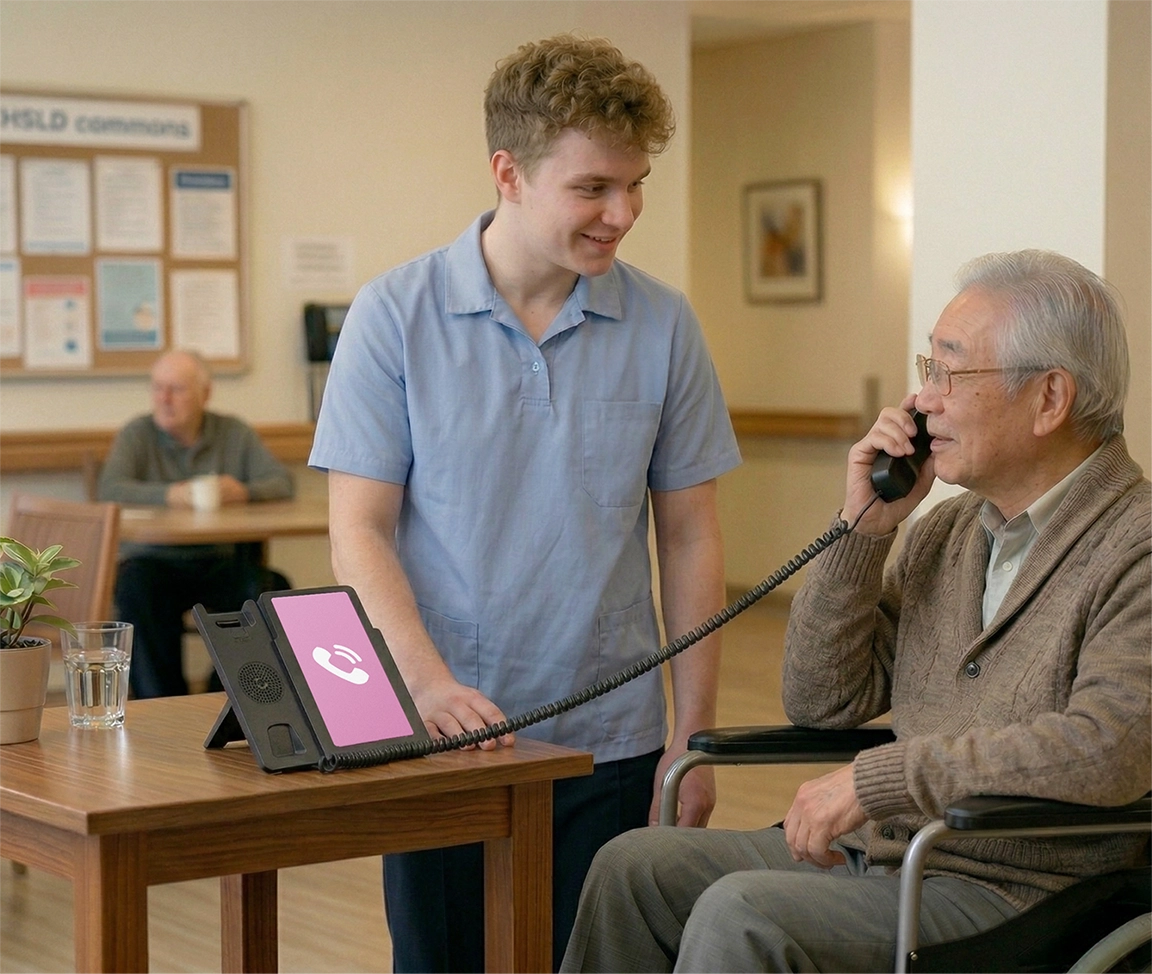
Leave a note for the next call
Pick up the phone and say "I'd like to leave a note". The AI companion will record your message and can use it on the next call with the resident.

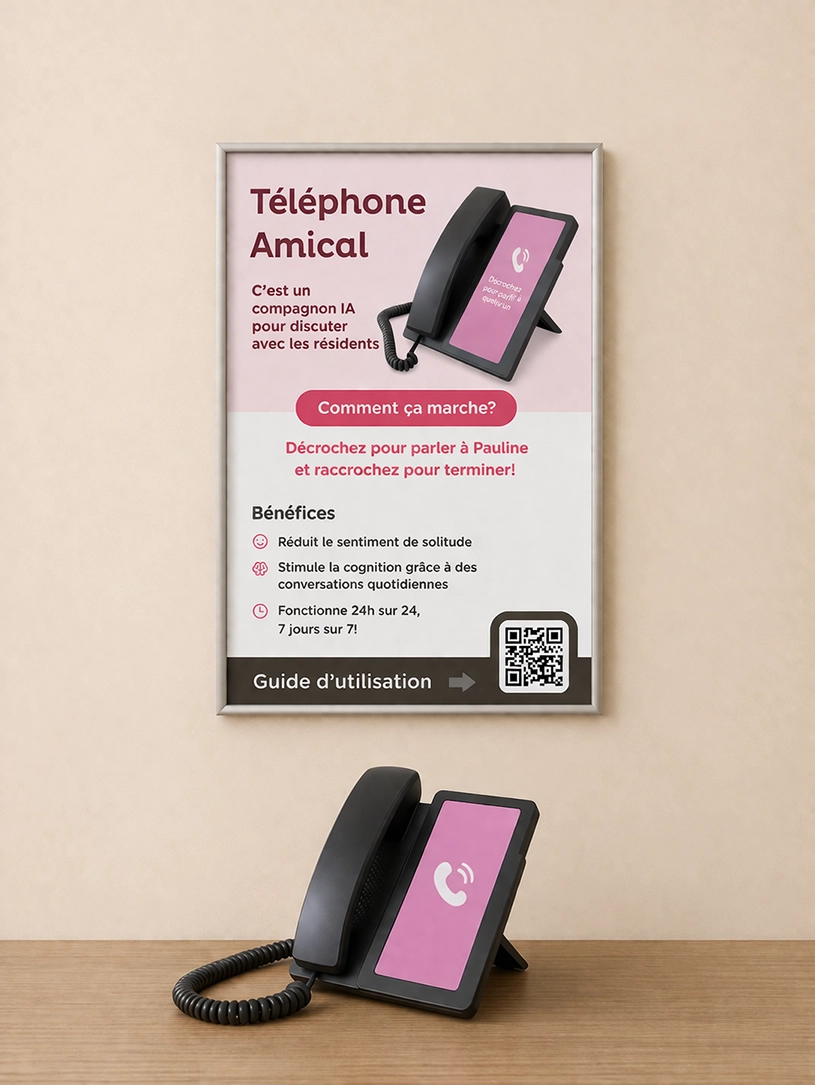
Put a poster near the phone
A poster near the phone helps residents and staff understand how to use Amical. Posters are available in letter (8.5 × 11) and tabloid (11 × 17) sizes.
About the AI
We don't proactively say that Pauline is a robot. If a resident asks, answer simply and without dwelling on it.
Example response:
"It's technology that can talk with you and keep you company."
Important best practices
Amical is a support tool, not a substitute for human relationships.
We do not recommend presenting the AI as a family member (daughter, spouse, etc.), as that can cause confusion.
Staff judgment remains central; the official recommendation is to avoid that kind of framing.
Installation and setup
To install the phone, configure Wi-Fi, or adjust volume, see our installation page.